

In the digital age, open-source software has become a vital part of our daily lives. These tools, developed collaboratively by communities around the world, provide powerful alternatives to commercial software without the hefty price tags. Whether you’re a creative professional, a student, or just someone looking for reliable tools to get things done, open-source software offers flexibility, control, and unmatched value.
Today, I’ll share 10 of my favorite open-source tools that I rely on every day. These tools are highly versatile, easy to use, and come with active communities constantly working to improve them. From managing notes to editing videos and even organizing your e-book collection, there’s something here for everyone.
1. OBS Studio: Professional-Level Video Recording and Streaming
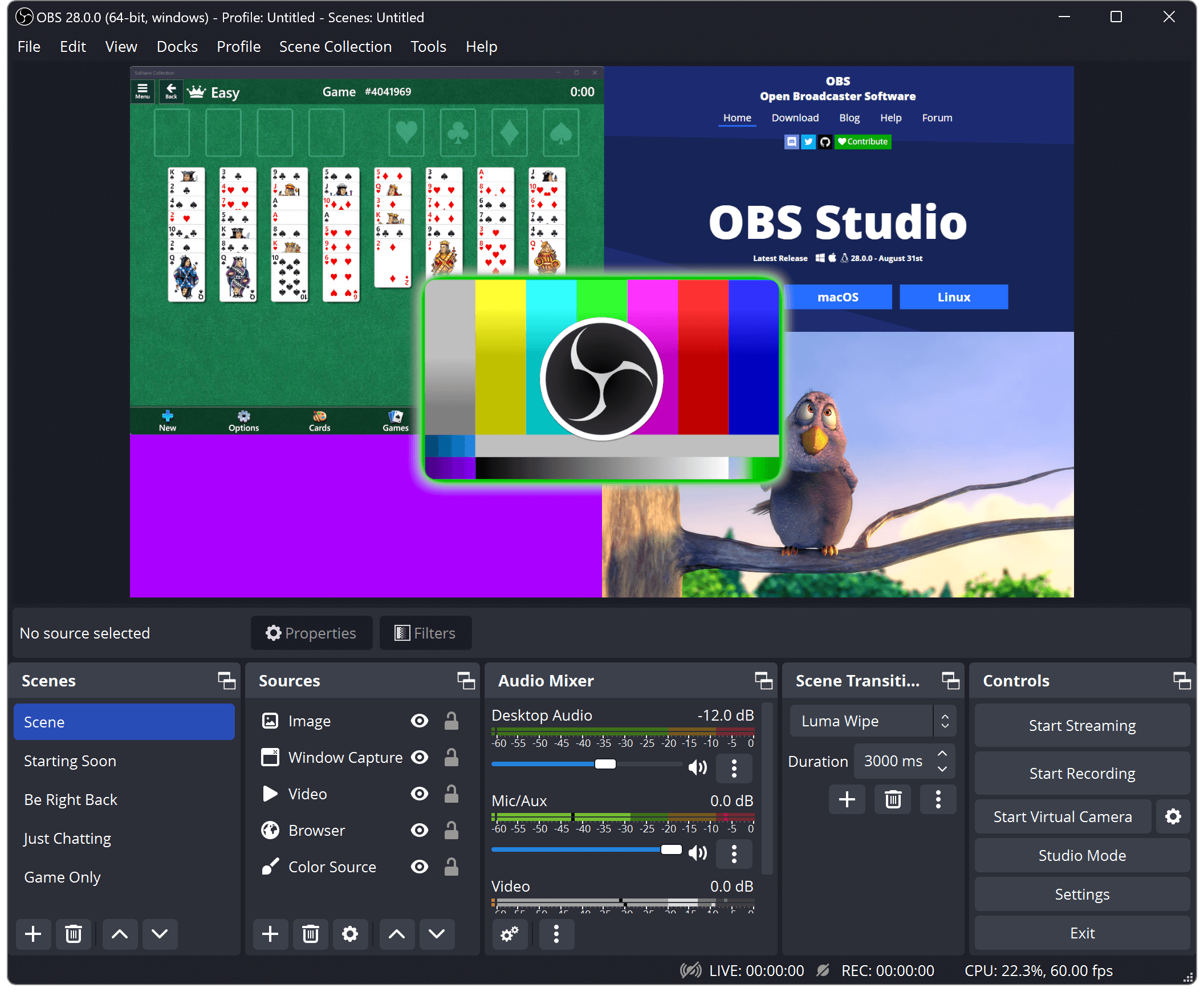
If you’ve ever watched a live stream on YouTube or Twitch, chances are it was powered by OBS Studio. This free, open-source software is the gold standard for video recording and live streaming. It’s perfect for professionals and beginners alike, offering a range of features that allow you to create polished, high-quality recordings.
I use OBS Studio almost daily for recording tutorials, webinars, and even personal projects. Its customizability is unmatched—you can set up multiple “scenes” to switch between layouts, add overlays, and even integrate plugins to expand its capabilities. Whether you’re live streaming a gaming session or creating educational content, OBS Studio gives you the tools to make your videos stand out.
2. Joplin: The Note-Taking App That Does It All
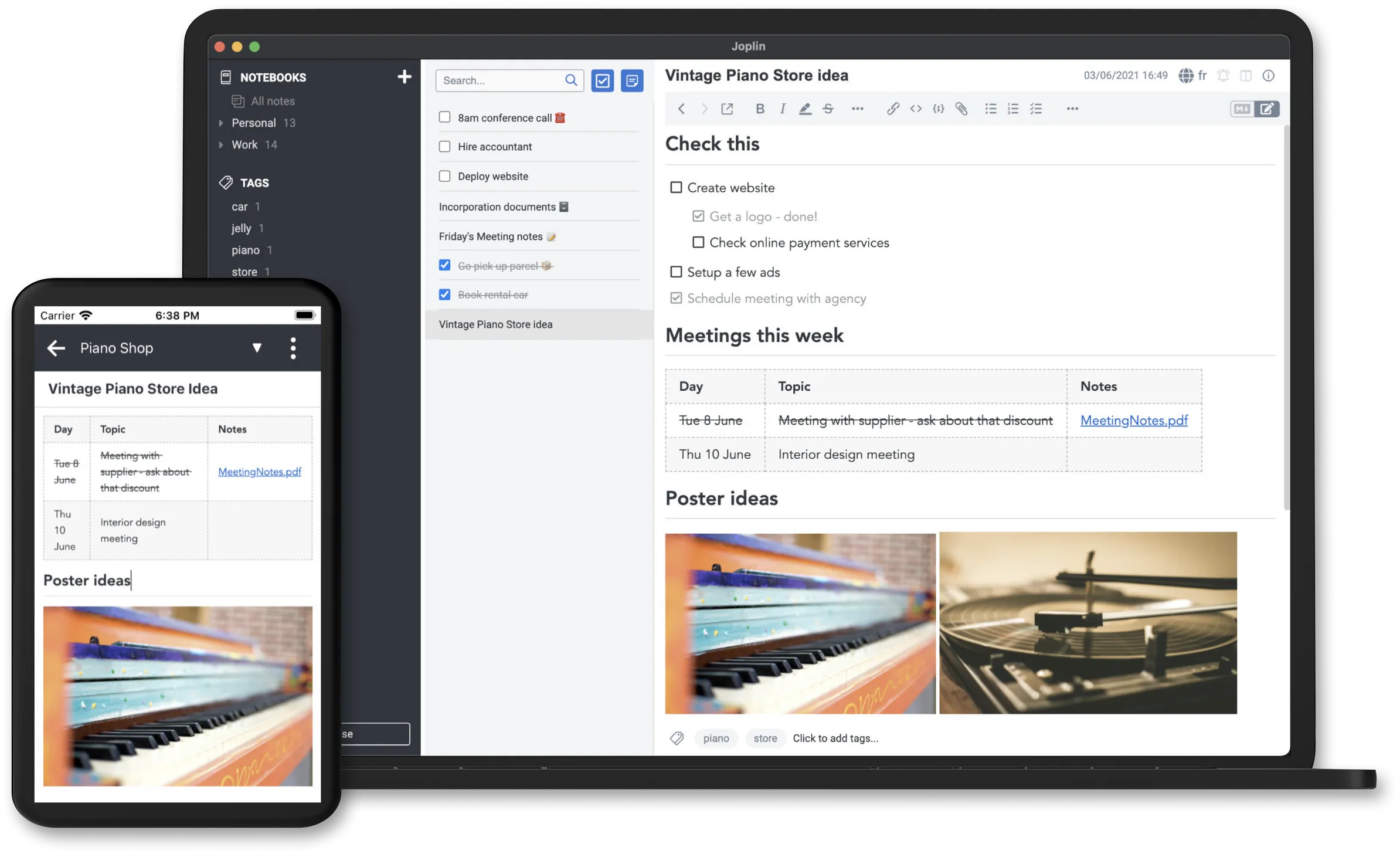
For anyone who loves jotting down ideas, managing tasks, or keeping track of projects, Joplin is an indispensable tool. Think of it as an open-source alternative to Evernote, but with more flexibility and privacy.
What sets Joplin apart is its support for Markdown, which makes formatting notes simple and clean. I use it to organize blog drafts, track project to-do lists, and save quick ideas on the go. The best part? It syncs seamlessly across all my devices using cloud services like Dropbox or even self-hosted solutions. Plus, with end-to-end encryption, you know your data is secure.
Joplin also has a thriving plugin system that allows you to extend its functionality. Whether you want to add Kanban boards, reminders, or even integrate it with other tools, Joplin’s versatility ensures it fits into your workflow effortlessly.
3. VLC Media Player: Play Anything, Anytime, Anywhere
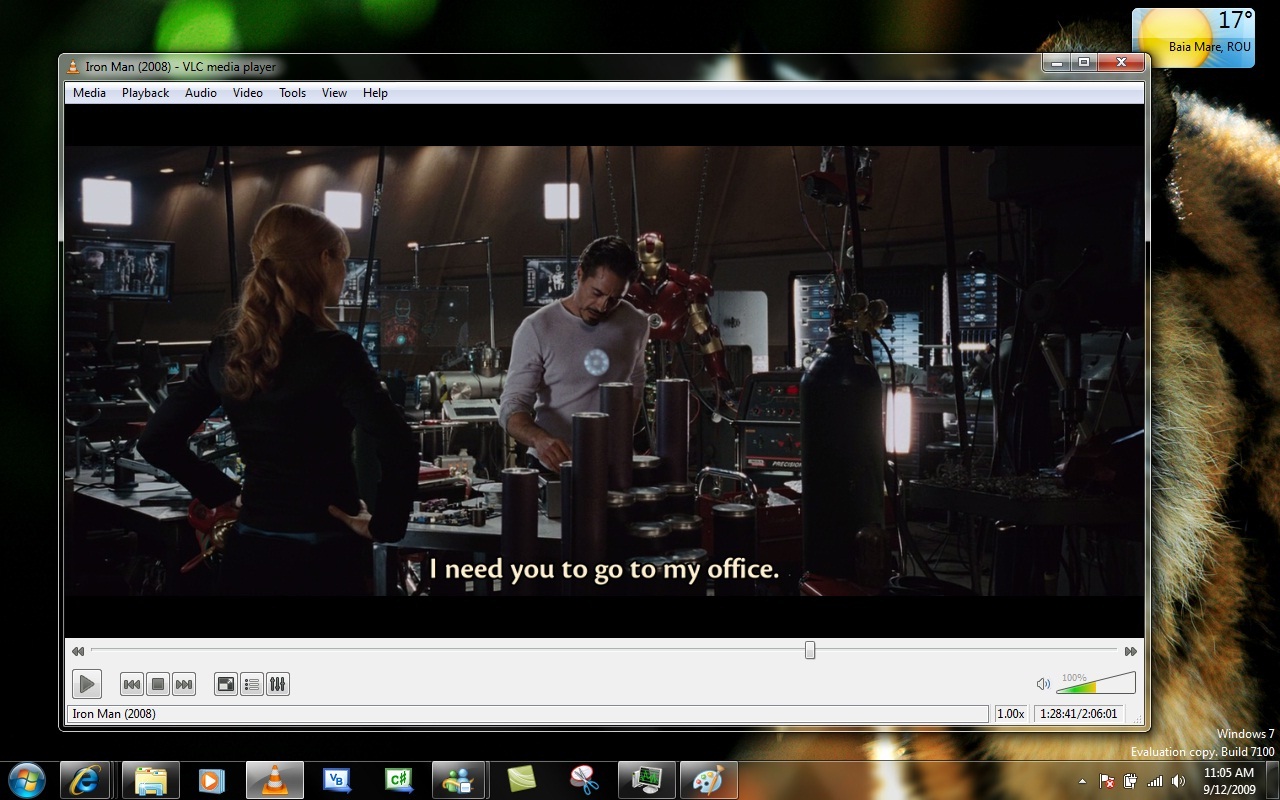
Do you ever struggle with media files that “won’t open”? That’s a problem of the past when you have VLC Media Player installed. This lightweight, open-source tool has been around for years and is widely regarded as the most versatile media player available.
I use VLC for everything from watching movies to streaming music and even converting media files. It supports virtually every file format you can think of—MP4, AVI, MKV, FLAC, and more. On top of that, its advanced features, like subtitle synchronization and audio equalization, make it a staple for all my media consumption needs. Whether you’re a casual viewer or someone who likes fine-tuning playback, VLC has you covered.
4. HandBrake: Simplifying Video Conversion
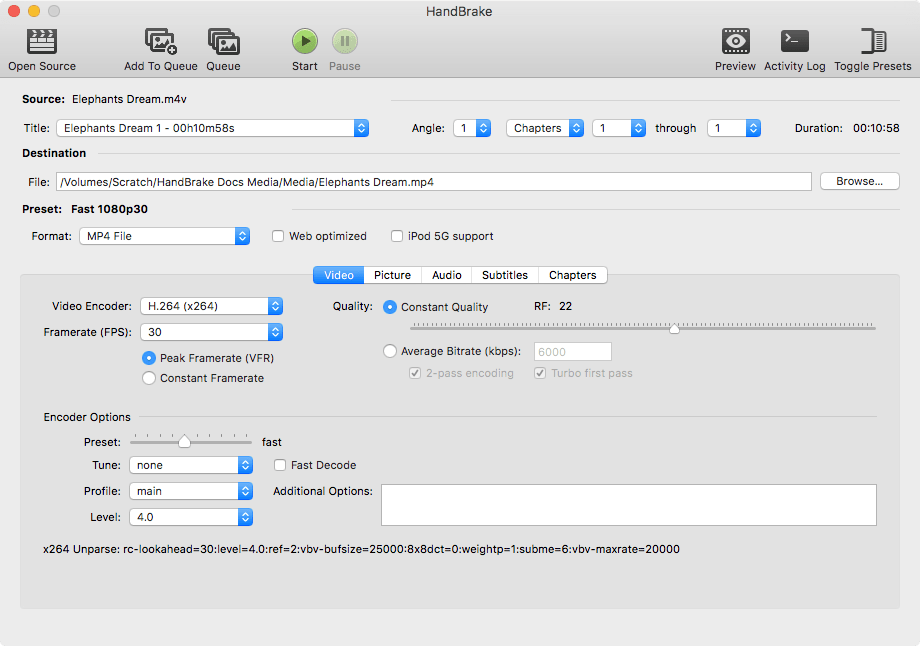
If you’ve ever needed to convert a video from one format to another, you know how frustrating it can be to find a reliable tool. HandBrake makes it easy. It’s a powerful video transcoder with a clean, user-friendly interface.
I’ve used HandBrake countless times to compress large video files, convert formats for compatibility with different devices, and even optimize videos for web uploads. It comes with presets for various platforms—like smartphones, gaming consoles, and streaming devices—so even if you’re not a tech expert, you can use it without any hassle. Whether you’re a video editor or just someone managing a personal media library, HandBrake is an essential tool.
5. 7-Zip: File Compression Done Right
In the world of file compression, 7-Zip reigns supreme. This lightweight and free tool handles all your archiving needs, from compressing files to extracting archives in formats like ZIP, RAR, and TAR.
One thing I love about 7-Zip is its simplicity—it integrates directly into your operating system, so you can right-click any file and compress or extract it instantly. I primarily use it for organizing large batches of files or sharing documents via email. With its high compression ratio and support for AES-256 encryption, it’s not just a handy utility—it’s also incredibly secure.

6. Calibre: The E-Book Lover’s Dream
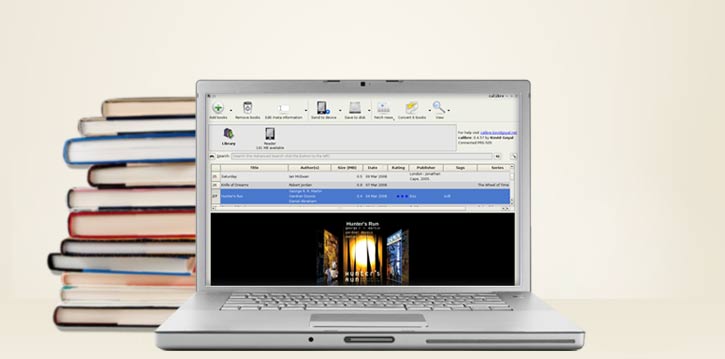
As someone who loves reading, managing a growing e-book collection can get overwhelming. That’s where Calibre comes in. This open-source e-book manager lets you organize, edit, and convert your library with ease.
I use Calibre to manage my Kindle library, convert e-books into formats like EPUB or MOBI, and even edit metadata for a cleaner reading experience. It also has a built-in e-book reader, so you can preview files before transferring them to your device. What makes it even better is its server mode, which lets you access your library from any device on your network. If you’re an avid reader, Calibre is a must-have.
7. Etcher and Rufus: Making Bootable USB Drives Effortless
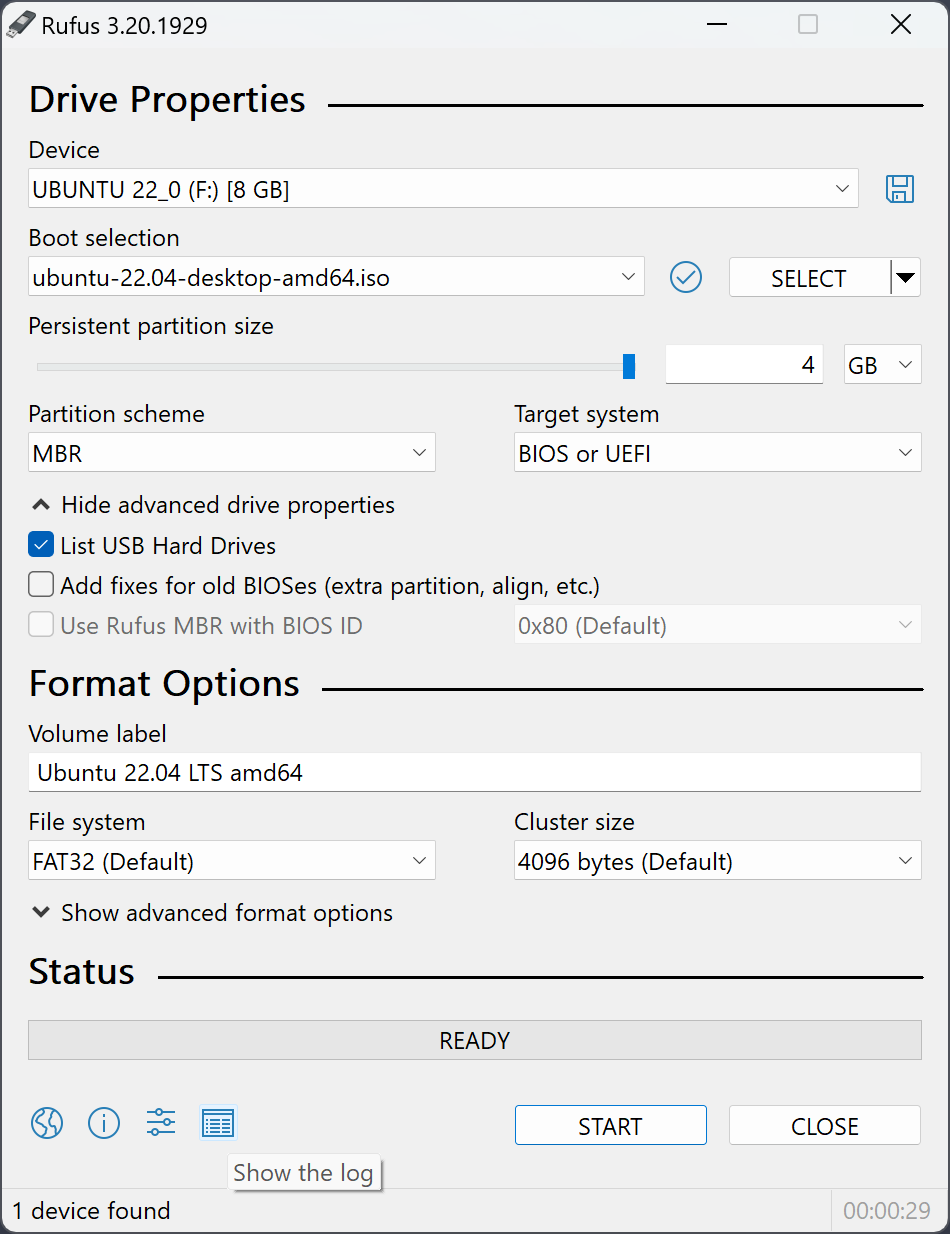
When it comes to creating bootable USB drives, Etcher and Rufus are my go-to tools. These lightweight programs make it incredibly simple to flash operating system images onto USB sticks.
For example, I use Etcher when setting up Linux distributions, while Rufus is my choice for Windows installations. Both tools are fast, reliable, and beginner-friendly, so you don’t need to be a tech wizard to use them. Whether you’re troubleshooting a PC or experimenting with different operating systems, these tools are lifesavers.

8. Anki: Supercharge Your Learning
If you’re serious about learning something new—whether it’s a language, a certification, or even just general knowledge—you need Anki. This open-source flashcard tool uses spaced repetition, a scientifically proven method for improving memory retention.
I’ve used Anki for everything from studying French vocabulary to preparing for exams. What’s great about it is the massive library of shared flashcard decks created by other users, so you don’t always have to start from scratch. Plus, you can customize your own decks and even sync your progress across devices. Anki isn’t just useful—it’s a joy to use.

9. Zotero: The Researcher’s Best Friend
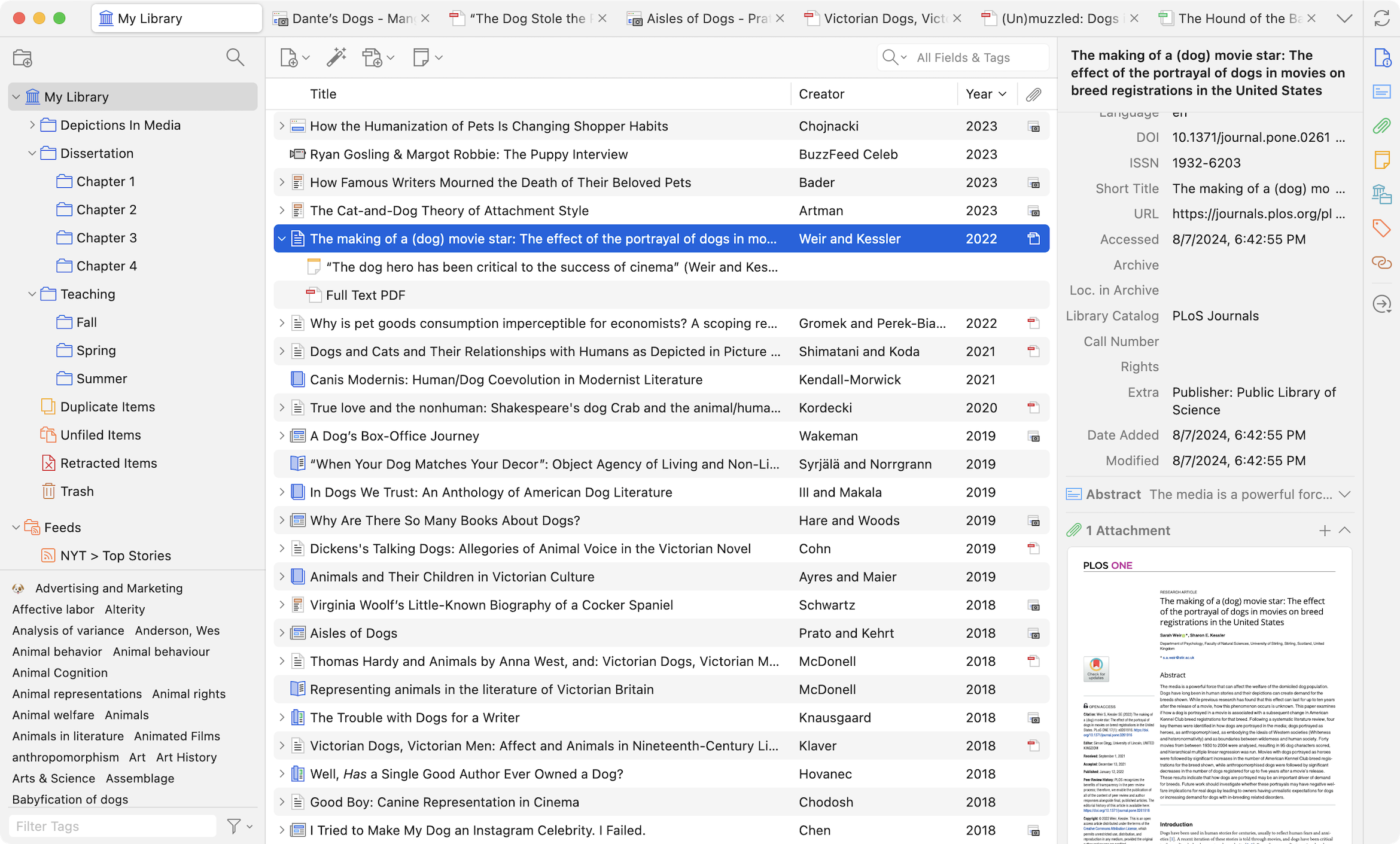
For students, academics, and researchers, Zotero is the ultimate tool for managing references and citations. It’s like having a personal assistant for all your research needs.
I’ve relied on Zotero to organize my sources for blog posts, essays, and even video scripts. It integrates seamlessly with browsers and word processors, making it easy to collect and cite materials as you work. Zotero also offers cloud sync, so you can access your library from anywhere. If you’re working on a thesis, paper, or any research-intensive project, Zotero is a game-changer.
10. GIMP: Professional Image Editing Without the Price Tag
When it comes to image editing, GIMP is my go-to tool. This open-source powerhouse rivals Photoshop in terms of functionality, offering everything from basic photo touch-ups to advanced graphic design tools.
While it has a learning curve, once you get the hang of it, GIMP is incredibly rewarding. I’ve used it for creating blog graphics, editing photos, and even designing social media banners. The best part? It’s completely free, with no subscription fees or hidden costs.

Other Open-Source Gems to Explore
While these 10 tools are the ones I use most often, there are countless other open-source programs worth mentioning. For example:
- Darktable: A RAW photo editor for photographers.
- Krita: A digital painting tool loved by illustrators.
- Audacity: A powerful audio editing tool.
- qBittorrent: A lightweight and ad-free torrent client.
- Inkscape: A vector graphic editor perfect for logo design.
These tools might not be part of my daily workflow, but they’re just as powerful and deserve a spot on your radar.

 Johngai’s Tech Forge