-
When Automation Becomes the Enemy: Lessons from AWS’s October 2025 DynamoDB Outage

The AWS post-mortem reveals a significant service disruption from October 19-20, caused by a race condition within their DNS management. This incident underscores the complexity of automation and the necessity of manual override procedures. It highlights the cascading failures from a single issue and the importance of mapping service dependencies and preparing for unexpected incidents.
-
Introducing the Preview Release of AI Toolkit for VS Code with MCP Server Integration

Visual Studio Code has launched a Preview version of its AI Toolkit, featuring MCP Server integration that enhances AI application development. This toolkit facilitates building, testing, and deploying AI solutions, supporting major AI providers and local models. It includes improved tools for developers, data scientists, and educators, making AI development more accessible.
-
Optimize LLM Performance on Mac and Ubuntu

This post discusses optimizing performance with large language models using Ollama on macOS with Apple’s M1/M2 chips and dual NVIDIA 2080 Ti GPUs on Ubuntu. It provides installation steps and GPU acceleration tips, highlights alternative tools, and outlines how to implement OpenAI-compatible APIs efficiently, maximizing hardware performance for local inference.
-
From Idea to Deployment: A Complete Guide to Full-Stack Development with Cursor

Cursor AI enhances the development lifecycle for Go and Next.js applications, combining VS Code’s familiarity with advanced AI features. This guide details setting up the environment, developing a full-stack application, implementing backend and frontend structures, testing, debugging, and deploying with CI/CD practices. Discover efficient workflows with Cursor AI.
-
Cloud vs Open-Source: Comparing AWS, Azure, GCP Services

Modern enterprises must choose between cloud-native services from providers like AWS, Azure, and Google Cloud, and open-source tools that offer more control. This guide discusses key domains including Machine Learning, Data Engineering, DevOps, and Business Intelligence, comparing strengths, weaknesses, and use cases for each solution to help inform decisions.
-
Ansible Command Cheat Sheet

📦 Core Commands Command Description Example ansible Run ad-hoc commands with modules ansible all -i inventory.yaml -m ping ansible-playbook Execute a playbook ansible-playbook -i inventory.yaml site.yaml ansible-doc View module or plugin documentation ansible-doc copy ansible-config Display current configuration ansible-config list ansible-inventory Inspect or validate your inventory ansible-inventory -i inventory.yaml –list ansible-vault Encrypt/decrypt sensitive files ansible-vault…
-
Chrome on macOS Cannot Access Router — Full Analysis and Fix
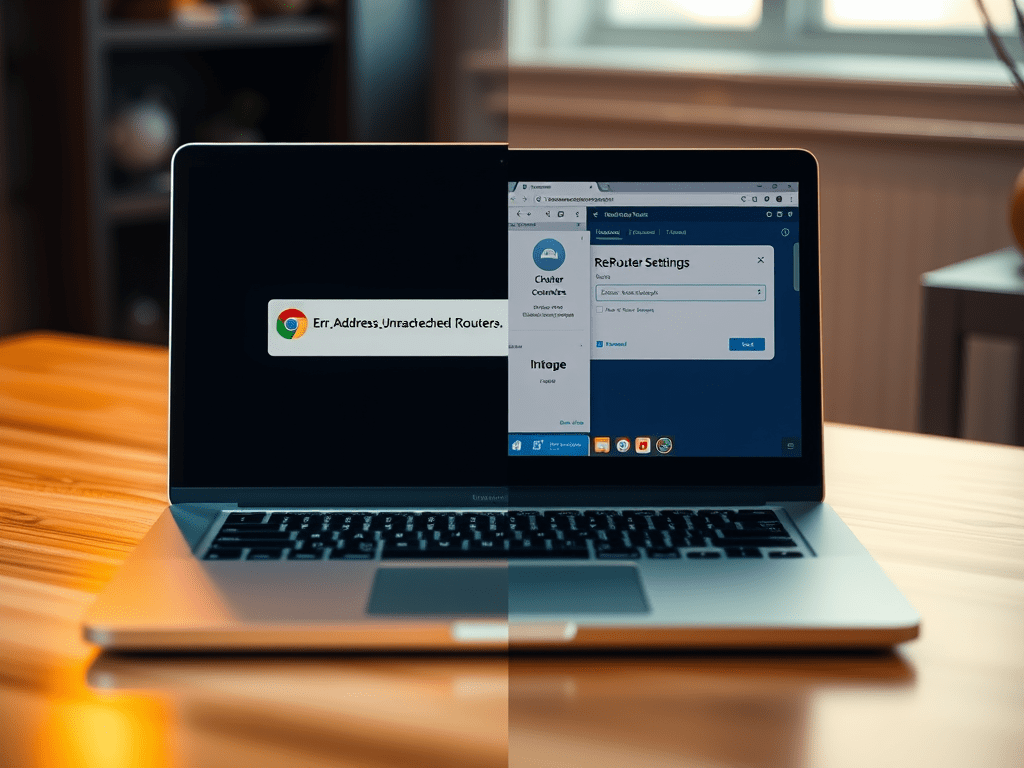
A user experienced connectivity issues with accessing a local router on Chrome for macOS, encountering “ERR_ADDRESS_UNREACHABLE” while Safari works fine. Troubleshooting involved reinstalling Chrome, resetting settings, and command-line flags. The root cause was Chrome’s security mechanisms and user data directory conflicts. Cleaning the directory resolved the issue effectively.
-
The Rare Satisfaction of Finishing a Technical Book

I recently closed the last page of Real-World Next.js by Michele Riva, and something unusual struck me—I had actually finished a technical book from beginning to end. That doesn’t happen often. Like many developers, my usual approach to technical books is highly utilitarian. I read what I need, when I need it. The beginning of…
-
A Fast Start with Ansible: Managing Your Servers Like a Pro

Ansible provides an agentless method to manage infrastructure, including cloud and physical servers. This guide covers project setup, secure password management with Vault, and execution of playbooks. It emphasizes the importance of inventory structure, common CLI commands, and troubleshooting tips, enabling users to automate their environments effectively.
-
How to Fix SSH “Client_loop: send disconnect: Broken pipe” Error

The Client_loop: send disconnect: Broken pipe error in SSH occurs due to inactivity, leading to connection loss. To resolve it, configure SSH to send keep-alive messages by modifying the server’s SSH daemon settings or using client command-line options. These changes help maintain uninterrupted SSH access and enhance productivity.

Johngai’s Tech Forge
Crafting the Future with AI and IoT

 Johngai’s Tech Forge