
Category: OS
-
Chrome on macOS Cannot Access Router — Full Analysis and Fix
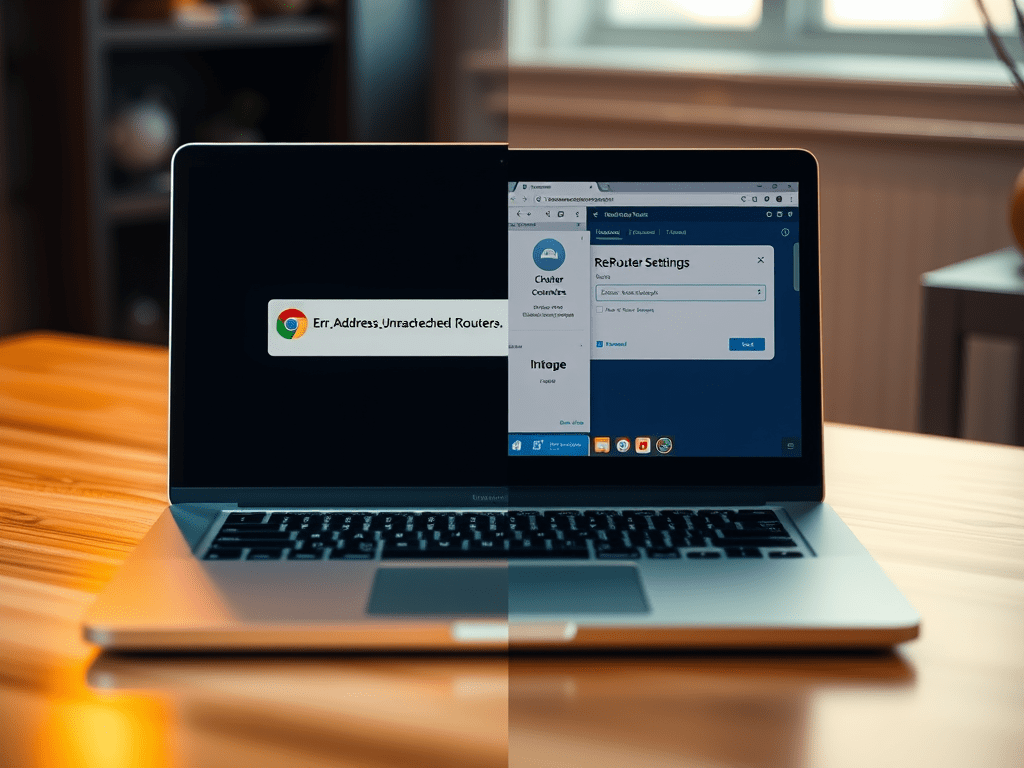
A user experienced connectivity issues with accessing a local router on Chrome for macOS, encountering “ERR_ADDRESS_UNREACHABLE” while Safari works fine. Troubleshooting involved reinstalling Chrome, resetting settings, and command-line flags. The root cause was Chrome’s security mechanisms and user data directory conflicts. Cleaning the directory resolved the issue effectively.
-
How to Setup and Enable SSH on WSL and Access from Other Computers

This guide explains how to set up SSH on Windows Subsystem for Linux (WSL) for remote access. It includes installing the OpenSSH server, enabling the service, configuring it to listen on all IPs, mapping ports for connections, and troubleshooting common issues, ensuring secure connectivity to your WSL environment.
-
10 Essential Open Source Tools for Everyday Use

In the digital age, open-source software has become a vital part of our daily lives. These tools, developed collaboratively by communities around the world, provide powerful alternatives to commercial software without the hefty price tags. Whether you’re a creative professional, a student, or just someone looking for reliable tools to get things done, open-source software…
-
How to Find, Format, and Auto-Mount Hard Disks in Ubuntu 22.04

Whether you’ve just added a new hard drive to your Ubuntu system or you’re trying to set up existing unmounted disks, this guide will walk you through the process of finding, formatting, and setting up automatic mounting for your hard disks in Ubuntu 22.04. Step 1: Identify Unmounted Disks First, we need to find which…
-
Rediscovering macOS: 30 Essential Tips, Shortcuts, and Suggestions

It’s been a while since I last used macOS extensively, so I thought it would be a great idea to dive back in and rediscover the amazing features and shortcuts that make macOS such a powerful operating system. I listed 30 essential tips and tricks, organized into different sections in this post, so as to…
-
Introduction to Homebrew: The Ultimate Package Manager for macOS

Homebrew simplifies macOS software installation with a command-line interface. It offers easy installation, updates, and package management. Compared to other managers, it’s more intuitive and has a larger community. Continuously updated, it includes useful packages like wget, git, node, and python. Its extensive features make it indispensable for macOS users.

 Johngai’s Tech Forge